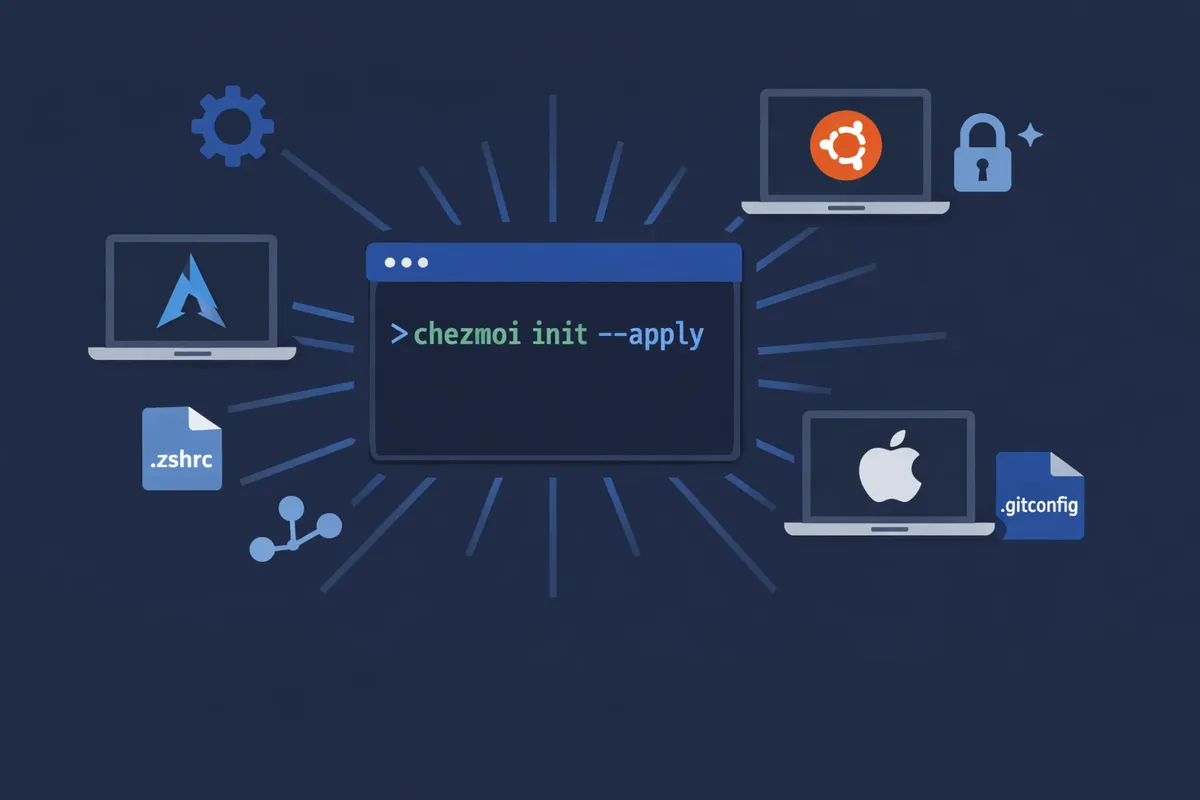
Reinstalling a machine often means a wasted day. Tracking down the right alias, the forgotten zsh plugin, the font that won't display, the.gitconfig you forgot...
When using multiple systems — in my case Manjaro and macOS for personal use, Ubuntu for work — it quickly becomes necessary to treat your configuration as code: versioned, reproducible. The result: a single command to restore a complete environment.
chezmoi init --apply <user>
In this article: the architecture of my dotfiles, the technical choices, and how to reproduce this approach.
The problem
Dotfiles are those dozens of hidden files that define a working environment: .zshrc, .gitconfig, .ssh/config, VS Code settings...
No versioning. You modify an alias, something breaks, no way to roll back.
No portability. An Arch config doesn't work on Ubuntu. You mentally keep track of differences between machines.
Scattered secrets. SSH keys, npm tokens, private configs. Some end up copied by hand, others get lost.
Manual setup. For every new machine, it's endless. There's always a missing tool, a config, a setting.
For a long time, I had a git repo with more or less organized files that I manually restored on each new system, hoping they were up to date. It worked, but it was fragile, error-prone, and important elements were often missing at reinstallation time.
Why chezmoi?
Among the available tools for managing dotfiles (stow, yadm, etc.), I chose chezmoi. Its philosophy is simple: maintain a git repository as the source of truth, then automatically generate the files in the $HOME. Unlike approaches based solely on symlinks, chezmoi provides what you need when working across multiple machines: templating by OS or host, secret management, initialization scripts, and idempotent configuration application.
More advanced solutions like Nix exist, but system configuration is clearly not a topic I want to spend too much time on. The goal is simple: save time and gain comfort. I need a system powerful enough to manage heterogeneous environments, while remaining simple to initialize on a new machine.
I mainly used 3 chezmoi features:
Templating: a single source file can generate different configs depending on the OS, the machine's role, or personal preferences. The .zshrc, the git config, and VS Code settings are all templated.
Native encryption: chezmoi integrates age to encrypt sensitive files directly in the repo. The .npmrc with its tokens is versioned, but encrypted.
The run_onchange_ scripts: scripts that automatically re-run when their content (or that of a tracked file) changes. No need to remember what to relaunch.
The toolbox
Before discussing architecture, here are the tools I selected. The main criterion: modern, fast tools that are superior replacements for classic commands.
Shell
I used oh-my-zsh for a long time, which is an excellent solution. But now, I prefer using native zsh for a simpler and more performant system. No framework, no plugin manager. Just modules sourced from a .zshrc minimal:
# ~/.zshrc - managed by chezmoi
source ~/.config/zsh/path.zsh
source ~/.config/zsh/exports.zsh
source ~/.config/zsh/completion.zsh
source ~/.config/zsh/aliases.zsh
source ~/.config/zsh/functions.zsh
source ~/.config/zsh/integrations.zsh
Each file has a clear responsibility. Need to modify an alias? It's in aliases.zsh. A PATH issue? It's in path.zsh.
System
The classics ls, cat, find, du or ps get the job done, but their modern alternatives offer better ergonomics: colorization, readable output, performance.
| Tool | Replaces | Why |
|---|---|---|
| ls | Colorization, icons, built-in tree view (eza --tree) | |
| cat | Syntax highlighting, line numbers, git integration | |
| find | Simple syntax, fast, respects .gitignore | |
| grep | Ultra-fast recursive search, respects .gitignore | |
| — | Interactive fuzzy search for files, history, branches... | |
| du | Disk space visualization in tree format | |
| ps | Readable, colorized process list with filtering |
Development
| Tool | Role |
|---|---|
| Runtime manager (Node, Python, Bun). Replaces nvm/pyenv/asdf in a single tool | |
| Automatically loads environment variables per project via a .envrc | |
| Task runner. Like make, but simpler. Readable justfile file | |
| TUI interface for git. Staging, rebase, stash in a few keystrokes | |
| Official GitHub CLI. PRs, issues, actions from the terminal |
Interface
| Tool | Role |
|---|---|
| GPU-accelerated terminal, fast, configurable. My main terminal | |
| Customizable shell prompt written in Rust. Contextually displays the git branch, runtime version, and last command status. Compatible with zsh, bash, fish. Very fast |
These tools are automatically installed by the bootstrap scripts, based on the machine's feature flags.
Repository architecture
Here is the structure of my dotfiles repository:
~/.local/share/chezmoi/
├── .chezmoidata.yaml                        # Variables & feature toggles
├── .chezmoi.toml.tmpl                       # Config chezmoi (encryption, données promptées)
├── run_onchange_bootstrap-system.sh.tmpl    # Packages de base, CLI modernes, fonts
├── run_onchange_bootstrap-dev.sh.tmpl       # mise, direnv, lazygit, docker
├── run_onchange_bootstrap-desktop.sh.tmpl   # Ghostty, VS Code, Starship
├── dot_zshrc.tmpl                           # Point d'entrée zsh (modulaire)
├── dot_config/
│   ├── zsh/                                 # Modules : aliases, path, completion...
│   ├── git/
│   │   └── config.tmpl                      # Config git (XDG)
│   ├── ghostty/
│   │   └── config.tmpl                      # Terminal Ghostty
│   ├── starship.toml                        # Prompt Starship
│   └── mise/
│       └── config.toml.tmpl                 # Runtimes (Node, Python, Bun)
└── dot_local/
    └── bin/
        ├── executable_dotfiles-doctor.sh.tmpl   # Health check
        └── executable_dotfiles-backup.sh.tmpl   # Backup chiffré
Each file follows chezmoi's naming conventions. The source name prefixes and suffixes determine the behavior in the $HOME repository:
| Prefix / Suffix | Effect |
|---|---|
| dot_ | Hidden file (.): dot_zshrc → .zshrc |
| .tmpl | File interpreted as Go template |
| executable_ | Adds execution bits on the target |
| private_ | Removes all group and world permissions (equivalent to 0600) |
| readonly_ | Removes write bits on the target |
| encrypted_ | Encrypted source file (decrypted on apply) |
| run_onchange_ | Script re-run when its content changes |
| run_once_ | Script executed only once (never replayed) |
| exact_ | Strict directory: removes entries absent from the source |
| modify_ | Script that receives the existing file on stdin and produces the target on stdout |
| create_ | File created only if it doesn't already exist |
| remove_ | Removes the corresponding entry in $HOME |
Prefixes can be combined: private_dot_gitconfig.tmpl produces a .gitconfig templated with 0600.
Feature toggles: a modular setup
Not all machines have the same needs. A server doesn't need Ghostty. A personal machine doesn't need dev tools. The solution: a .chezmoidata.yaml file that drives everything.
machine:
  role: "desktop"       # desktop ou server
  desktop: "kde"        # gnome, kde, sway, none

features:
  gui: true
  docker: true
  kubernetes: false
  cloud_sdk: false
  work_profile: false

development:
  editor: "code"
  terminal: "ghostty"

tools:
  node_version: "lts"
  python_version: "3.11"
The bootstrap scripts read these flags:
{{ if not .features.install_dev_tools -}}
echo "Dev tools install disabled, skipping."
exit 0
{{ end -}}
Need Docker on a machine? Just set docker: true, then chezmoi apply. The script re-runs because the hash of .chezmoidata.yaml has changed. The same repo, adapted to each context.
Secret management with age
Private SSH keys are never in the repo (.chezmoiignore). They are restored via a dedicated backup script, presented below. The .npmrc file with its tokens is encrypted with age, versioned in git but unreadable without the key.
The age key itself lives at ~/.config/sops/age/chezmoi.txt, protected by the .gitignore. For a new machine, just restore it from a backup.
Bootstrap in 3 phases
The installation follows a precise order:
Phase 1 / System: base packages, modern CLI tools (eza, bat, fd, ripgrep, fzf, dust, procs), Nerd Font fonts, zsh as default shell.
Phase 2 / Dev: mise for runtimes (Node, Python, Bun), direnv for per-project environment variables, lazygit, gh, just, Docker.
Phase 3 / Desktop: Ghostty, VS Code, Starship, Chrome, Discord, Obsidian, Spotify.
Each phase is conditioned by its feature flags. A headless server stops at phase 2 (or even 1). Multi-OS support (Arch/Manjaro, Ubuntu, macOS) is handled by conditional blocks in templates. No magic here, it's a tedious part to maintain:
{{ if or (eq $osId "arch") (eq $osId "manjaro") -}}
sudo pacman -S --needed --noconfirm mise direnv lazygit
{{ else if eq $osId "ubuntu" -}}
curl https://mise.run | sh
sudo apt install -y direnv
{{ else if eq $os "darwin" -}}
brew install mise direnv lazygit
{{ end -}}
Safety tools: doctor and backup
Two utility scripts complete the setup:
dotfiles-doctor, a health check that verifies everything is in place: zsh as default shell, starship active, ghostty installed, mise configured, docker available. Each check returns [OK], [WARN] or [FAIL].
dotfiles-doctor.sh
# [OK]  zsh is default shell
# [OK]  starship prompt active
# [OK]  ghostty installed
# [FAIL] direnv not found
dotfiles-backup creates an encrypted archive containing SSH keys, GPG keys, the VS Code extensions list, installed packages, and workspace repos. Essential before switching machines.
Result
On a fresh machine, everything comes down to:
sh -c "$(curl -fsLS get.chezmoi.io)" -- init --apply kepennar
In a few minutes:
All packages are installed
The shell is configured (zsh + compinit + starship)
Git, VSCode, Obsidian are ready to use
Secrets are decrypted and in place
The complete repository is available on GitHub: